Initializing, please wait a moment
So nutzen Sie Foucault Pendulum 3D Explorer
Open the explorer and watch the swing plane turn as the Earth rotates.
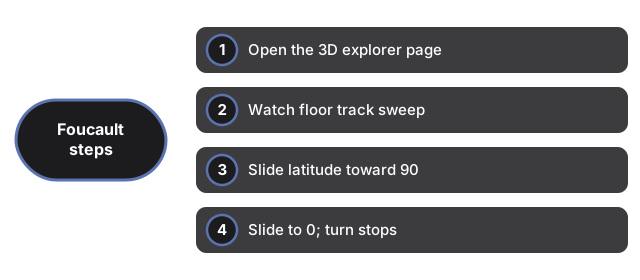
- Open https://freetoolonline.com/space-3d/foucault-pendulum.html and wait for the swinging pendulum.
- Watch the orange floor track slowly sweep around as the plane turns.
- Slide the latitude toward 90 to make it turn fast, like at a pole.
- Slide it to 0 (the equator) and see the turn stop completely.
- Read the facts panel for the full-turn time at your chosen latitude.
Next: the when guide or vs alternatives. Open the Foucault Pendulum 3D Explorer.