Kepler Orbits 3D Explorer Schritt fuer Schritt
The Kepler Orbits 3D Explorer starts as soon as the page loads: drag to orbit the view, scroll or pinch to zoom, and press Mercury, Earth, or Halley to load published orbital figures. Everything renders on your own device - no install, no account.
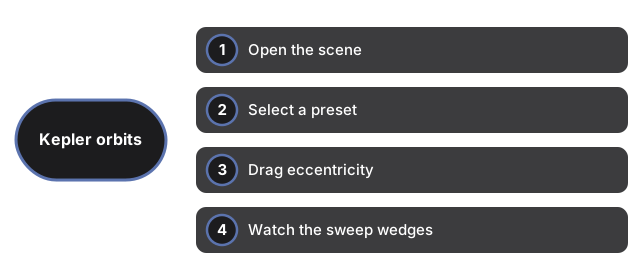
Open the scene
Load the page and Earth appears by default with e=0.017 and a=1 AU. The 3D engine downloads once and is cached. If WebGL is unavailable, a plain notice appears instead of a broken canvas, and the facts panel still reads normally.
Select a preset
Press Mercury, Earth, or Halley to load that body's published eccentricity and semi-major axis. Mercury sets e=0.206 and a=0.387 AU; Earth sets e=0.017 and a=1 AU; Halley sets e=0.967 and a=17.8 AU. The panel lists T, T^2, and a^3 on every selection.
Drag eccentricity
Move the eccentricity slider from 0 to 0.97 (default 0.017). Lower values give a near-circular path; higher values stretch the ellipse like Halley's comet. The panel switches to a custom orbit label when you drag away from a preset value.
Watch the sweep wedges
Teal wedges from the Sun to successive planet positions illustrate equal areas in equal times. The planet moves faster near perihelion. Press Hide area wedges to toggle them off, or Pause orbit to freeze the motion and study the ellipse shape.
Read the facts panel
The panel lists semi-major axis a in AU, eccentricity e, orbital period T in years, T squared, and a cubed - plus summaries of Kepler's three laws. A note below states that on-screen orbit size is scaled for readability and that AU and year figures are real.