Initializing, please wait a moment

Como explorar Magnetic Reconnection 3D Explorer

Open the explorer and watch field lines rejoin at the X-point and jet plasma out.

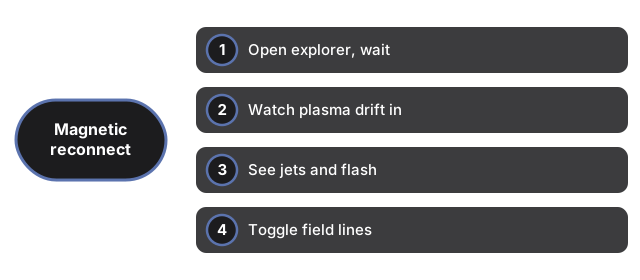
  1. Open https://freetoolonline.com/space-3d/magnetic-reconnection.html and wait for the reconnection region.
  2. Watch plasma drift inward from the top and bottom toward the white X-point.
  3. See it jet out sideways in two fast streams, with a flash of released energy.
  4. Toggle the field lines to see the orange and blue fields and the reconnected shapes.
  5. Slide the rate faster or slower and read the facts panel for what it powers.
Next: the when guide or vs alternatives. Open the Magnetic Reconnection 3D Explorer.

Why trust these tools

  • Ten-plus years of web tooling. The freetoolonline editorial team has shipped browser-based utilities since 2015. The goal has never changed: get you to a working output fast, without an install.
  • No install, no sign-up. Open a tool and get a working output in seconds - nothing to download and no account to create. Tools that need heavy processing run it on our service, so even a low-powered machine gets the job done.
  • Analytics stops at the page view. We measure which pages get visited, not what you type or upload inside a tool. There is nothing to sign in to and no profile is attached to your input.
  • Open-source core components. The processing engines underneath (libheif, libde265, pdf-lib, terser, clean-css, ffmpeg.wasm, and others) are public and audit-able. We link to each one in its tool page's footer.
  • Free, with or without ads. All tools are fully functional without sign-up. The Disable Ads button in the header is always available if you need a distraction-free run.

Related tools: