Initializing, please wait a moment
Cara menjelajah Magnetic Reconnection 3D Explorer
Open the explorer and watch field lines rejoin at the X-point and jet plasma out.
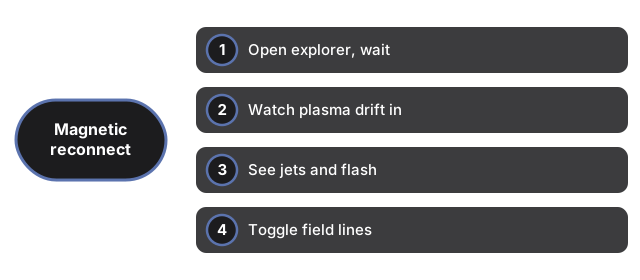
- Open https://freetoolonline.com/space-3d/magnetic-reconnection.html and wait for the reconnection region.
- Watch plasma drift inward from the top and bottom toward the white X-point.
- See it jet out sideways in two fast streams, with a flash of released energy.
- Toggle the field lines to see the orange and blue fields and the reconnected shapes.
- Slide the rate faster or slower and read the facts panel for what it powers.
Next: the when guide or vs alternatives. Open the Magnetic Reconnection 3D Explorer.