Initializing, please wait a moment

Cara menjelajahi Tides: Earth-Moon 3D Explorer

Buka Tides: Earth-Moon 3D Explorer, lihat penanda merah melintas di bawah dua tonjolan laut, dan ganti mode pasang Purnama, Normal, dan Perbani.

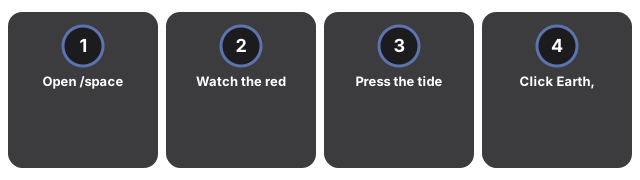
  1. Buka https://freetoolonline.com/space-3d/tides-earth-moon.html dan tunggu Bumi, Bulan, dan lapisan biru pucat tonjolan tergambar.
  2. Perhatikan penanda merah di permukaan Bumi - panel info menampilkan Pasang tinggi, Pasang rendah, Naik, atau Turun saat Bumi berputar.
  3. Tekan tombol mode pasang untuk berganti antara Purnama (sekitar 1.5x), Normal (hanya Bulan), dan Perbani (sekitar 0.5x) dan lihat tonjolan membesar dan mengecil.
  4. Klik Bumi, Bulan, atau penanda Matahari kecil untuk panel fakta tentang peran setiap benda dalam pasang.
  5. Tekan Tabel rentang untuk angka nyata dari rata-rata global hingga Bay of Fundy.
Selanjutnya: panduan kapan memakai atau vs alternatif. Buka Tides: Earth-Moon 3D Explorer.

Why trust these tools

  • Ten-plus years of web tooling. The freetoolonline editorial team has shipped browser-based utilities since 2015. The goal has never changed: get you to a working output fast, without an install.
  • No install, no sign-up. Open a tool and get a working output in seconds - nothing to download and no account to create. Tools that need heavy processing run it on our service, so even a low-powered machine gets the job done.
  • Analytics stops at the page view. We measure which pages get visited, not what you type or upload inside a tool. There is nothing to sign in to and no profile is attached to your input.
  • Open-source core components. The processing engines underneath (libheif, libde265, pdf-lib, terser, clean-css, ffmpeg.wasm, and others) are public and audit-able. We link to each one in its tool page's footer.
  • Free, with or without ads. All tools are fully functional without sign-up. The Disable Ads button in the header is always available if you need a distraction-free run.

Related tools: