Initializing, please wait a moment
Habitable Zone 3D Explorer passo a passo
Abra o Habitable Zone 3D Explorer, escolha Sol anao M ou classe TRAPPIST-1 e veja a faixa HZ reescalar como sqrt(L).
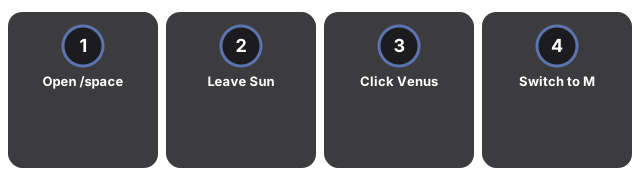
- Abra https://freetoolonline.com/space-3d/habitable-zone.html e espere a estrela mais anel HZ verde.
- Deixe Sol (L=1) - leia HZ 0.95-1.37 AU e Terra a 1 AU no painel.
- Clique Venus (~0.72 AU) ou Marte (~1.52 AU) para ver o status.
- Mude para anao M (L=0.1) HZ ~0.30-0.43 AU; TRAPPIST-1 ~0.022-0.032 AU.
- Pause orbits congela marcadores; HZ table mostra os tres presets.
Zona habitavel: numeros-chave
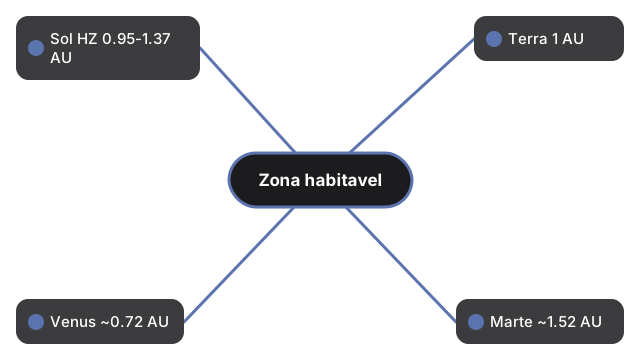
| Estrela / corpo | Zona habitavel ou distancia (AU) |
|---|---|
| Sol (L=1) ZH conservadora | 0.95-1.37 AU |
| Terra | 1 AU |
| Venus | ~0.72 AU |
| Marte | ~1.52 AU |
| Ana M (L=0.1) ZH | ~0.30-0.43 AU |
| Classe TRAPPIST-1 ZH | ~0.022-0.032 AU |
Next: the when guide or vs alternatives. Open the Habitable Zone 3D Explorer.