LCD-Test fuer Laptop-Bildschirme
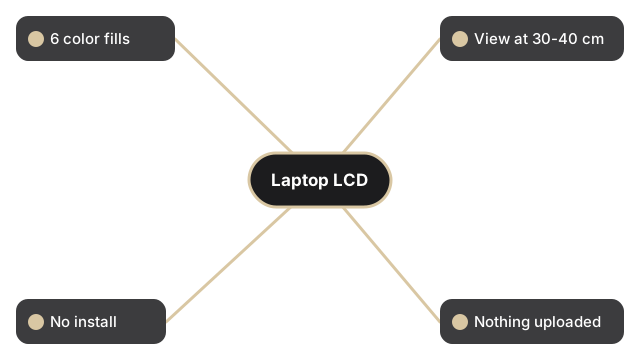
Klicke auf eine der sechs Farbschaltflaechen - Rot, Gruen, Blau, Schwarz, Weiss oder Gelb - um deinen Laptop-Bildschirm mit dieser Vollfarbe zu fuellen. Achte auf Pixel, die in der falschen Farbe festsitzen, dunklere Flecken nahe den Raendern oder ungleichmaessige Helligkeit. Die Seite meldet ausserdem deine Viewport-Groesse und die native Bildschirmaufloesung.
freetoolonline.com editorial team| Eigenschaft | Wert |
|---|---|
| Farben | 6 im Vollbild (Rot, Gruen, Blau, Schwarz, Weiss, Gelb) |
| Empfohlener Abstand | 50-70 cm fuer Monitor, 30-40 cm fuer Laptop |
| Installation | Keine - laeuft im Browser |
| Datenschutz | Es wird nichts hochgeladen; die Seite fuellt nur den Bildschirm |
| Werkzeug | LCD-Bildschirmtest |
Jede Farbe deckt einen anderen Fehler auf einem Laptop-Panel auf. Schwarz zeigt hell festsitzende Pixel, die sich nie ausschalten; Weiss zeigt tote dunkle Pixel und Staub auf der Oberflaeche; Rot, Gruen und Blau isolieren jeweils einen Subpixel-Kanal; Gelb belastet die roten und gruenen Subpixel gemeinsam. Aktiviere das Kaestchen "Test in full screen mode", bevor du eine Farbe waehlst, damit die Browser-Symbolleiste keinen Fehler nahe der oberen Kante verdeckt. Gehe alle sechs Farben langsam durch und neige den Deckel ein wenig, um zu pruefen, ob die Helligkeit ueber den gesamten Laptop-Bildschirm gleichmaessig bleibt.
Fuer weitere Bildschirmdiagnosen: LCD test - dead pixel and stuck pixel check fuer die vollstaendige 6-Farben-Sequenz auf jedem Bildschirmtyp, oder LED test vs LCD test - which applies to your screen wenn Sie nicht sicher sind, ob Ihr Panel LCD oder LED-hinterleuchtet ist.