Initializing, please wait a moment
Como explorar Apsidal Precession 3D Explorer
Open the explorer and watch an orbit rotate slowly into a rosette.
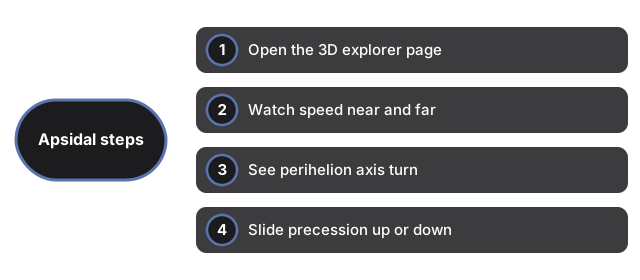
- Open https://freetoolonline.com/space-3d/apsidal-precession.html and wait for the ellipse and planet.
- Watch the planet speed up near the star and slow down far away.
- See the perihelion marker and the long axis slowly turn.
- Slide the precession up to fill in a rosette, or down to zero for a closed ellipse.
- Read the facts panel for Mercury 574 and 43 arcsecond figures.
Next: the when guide or vs alternatives. Open the Apsidal Precession 3D Explorer.