Initializing, please wait a moment
Como explorar Synodic Lunar Month 3D Explorer
Open the explorer and watch one lunar orbit fall short of one lunar month.
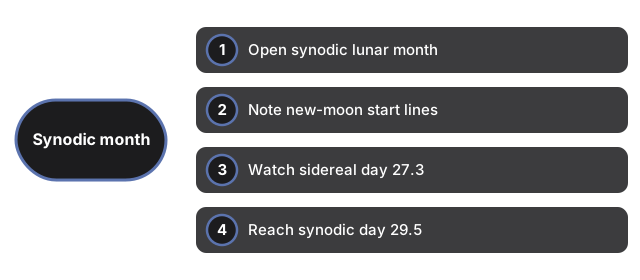
- Open https://freetoolonline.com/space-3d/synodic-lunar-month.html and wait for the Sun, Earth and Moon.
- Note the start: new moon, with the yellow Sun line and blue star line together.
- Watch the Moon finish a star-orbit at day 27.3 - the sidereal month.
- Keep watching to day 29.5, when the Moon reaches new moon again - the synodic month.
- Use the speed slider and reset button; read the facts panel for the 2.2-day gap.
Next: the when guide or vs alternatives. Open the Synodic Lunar Month 3D Explorer.