Initializing, please wait a moment
How to use Triton Cantaloupe Terrain 3D Explorer
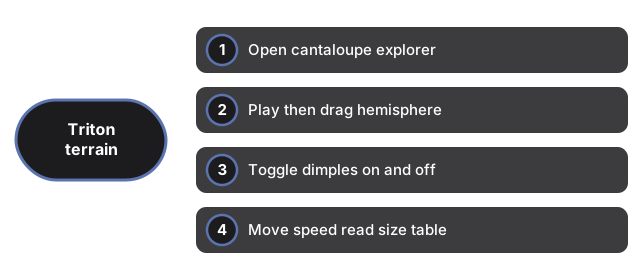
- Open the Triton Cantaloupe Terrain 3D Explorer and wait for the canvas to paint.
- Press Play if paused, then drag to face the dimpled hemisphere.
- Toggle Dimples Off and On to see the schematic cavi grid alone.
- Move Speed while you read the size table in the facts panel.
- Use Fullscreen when teaching Voyager-era terrain on a large display.
Need timing tips? See when to use. Comparing apps? See vs alternatives.
How to use Triton Cantaloupe Terrain 3D Explorer
Companion guide for the Triton Cantaloupe Terrain 3D Explorer.