Initializing, please wait a moment
How to use Haumea Elongated Dwarf Planet 3D Explorer
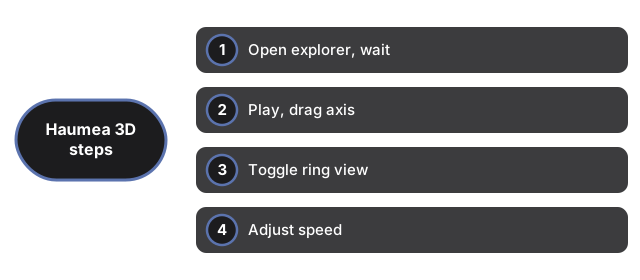
- Open the Haumea Elongated Dwarf Planet 3D Explorer and wait for the canvas to paint.
- Press Play if paused, then drag to see the long axis sweep.
- Toggle Ring Off and On to isolate the body shape.
- Move Speed while you read the axes and ring table in the facts panel.
- Use Fullscreen when teaching occultation results on a large display.
Need timing tips? See when to use. Comparing apps? See vs alternatives.
How to use Haumea Elongated Dwarf Planet 3D Explorer
Companion guide for the Haumea Elongated Dwarf Planet 3D Explorer.
The walkthrough below works the same way on desktop and mobile: drag or swipe to orbit the camera, scroll or pinch to zoom, and tap or click the buttons under the scene. Most readers finish the five steps in under a minute the first time through.
Everything renders locally through WebGL with the vendored three.js engine - no files are uploaded and no account is required. Once Play, Ring, and Speed feel familiar, the Space 3D collection has more explorers built the same way, including Triton Cantaloupe Terrain 3D Explorer and Hyperion Sponge Moon 3D Explorer.