Initializing, please wait a moment
Como explorar Earthshine 3D Explorer
Open the explorer and watch the dark part of a crescent Moon glow with reflected earthlight.
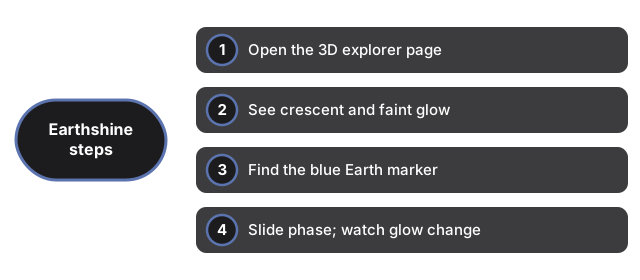
- Open https://freetoolonline.com/space-3d/earthshine.html and wait for the crescent Moon.
- See the bright crescent lit by the Sun and the faint glow on the rest of the disk.
- Find the blue Earth marker - that is where the earthshine comes from.
- Slide the phase from a thin crescent toward half and watch the glow change.
- Toggle the earthshine off to see the night side go dark, and read the facts panel.
Next: the when guide or vs alternatives. Open the Earthshine 3D Explorer.