Initializing, please wait a moment

Cach kham pha Brown Dwarf 3D Explorer

Open the explorer and drag the mass slider across the real fusion boundaries.

  1. Open https://freetoolonline.com/space-3d/brown-dwarf.html and wait for the sphere and the mass ruler to appear.
  2. Drag the mass slider slowly from low to high and watch the color change.
  3. Notice how little the sphere's size changes even as the mass climbs.
  4. Watch the status line switch from gas giant to brown dwarf to star as you cross 13 and 80 Jupiter masses.
  5. Press Play to auto-sweep, or toggle Realistic dim to see the true, much fainter glow.
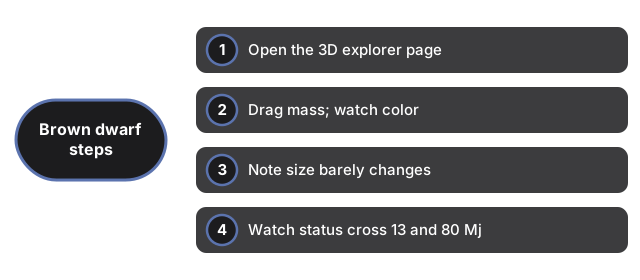
See four Brown Dwarf steps: open the explorer, drag mass and watch color, note size barely changes, and watch status cross 13 and 80 Mj.
Open the explorer, drag mass, note size barely changes, watch status cross 13 and 80 Mj.

Next: the when guide or vs alternatives. Open the Brown Dwarf 3D Explorer.

Why trust these tools

  • Ten-plus years of web tooling. The freetoolonline editorial team has shipped browser-based utilities since 2015. The goal has never changed: get you to a working output fast, without an install.
  • No install, no sign-up. Open a tool and get a working output in seconds - nothing to download and no account to create. Tools that need heavy processing run it on our service, so even a low-powered machine gets the job done.
  • Analytics stops at the page view. We measure which pages get visited, not what you type or upload inside a tool. There is nothing to sign in to and no profile is attached to your input.
  • Open-source core components. The processing engines underneath (libheif, libde265, pdf-lib, terser, clean-css, ffmpeg.wasm, and others) are public and audit-able. We link to each one in its tool page's footer.
  • Free, with or without ads. All tools are fully functional without sign-up. The Disable Ads button in the header is always available if you need a distraction-free run.

Related tools: