Cach Kham Pha Lunar Eclipse 3D Explorer
The Lunar Eclipse 3D Explorer starts as soon as the page loads: drag to orbit the Sun-Earth-Moon layout, scroll or pinch to zoom, and press Play eclipse to animate the Moon through Earth's shadow. Everything renders on your own device - no install, no account.
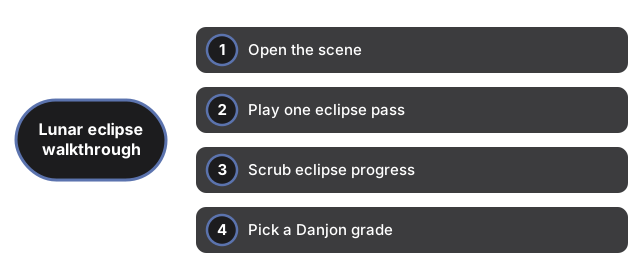
Open the scene
Load the page and Sun, Earth, and Moon appear with penumbra and umbra cone meshes extending from Earth. The 3D engine downloads once and is cached. If WebGL is unavailable, a plain notice appears instead of a broken canvas, and the facts panel still reads normally.
Play one eclipse pass
Press Play eclipse to animate the Moon along its path through the shadow. At 1x one pass compresses in about 12 seconds. Press again to pause on any phase for a closer look at penumbral dimming, partial umbral shadow, or totality.
Scrub eclipse progress
Move the progress slider from 0 to 100 percent. The label updates on every move and the Moon jumps to that point along the path. Scrubbing pauses playback automatically so you can inspect a single shadow phase.
Pick a Danjon grade
During totality press L0 through L4 to tint the Moon to published Danjon brightness levels - from very dark through copper-red. The highlighted button shows the active grade and the panel lists the selected Danjon label.
Read the facts panel
The panel names the current phase and lists maximum totality up to 107 minutes, the Danjon L0-L4 scale, and that node alignment is required near full moon - NASA published values. A note below states that shadow cones are exaggerated; the table numbers are real.