Initializing, please wait a moment
So nutzen Sie Celestial Coordinate Systems 3D Explorer
Open the explorer, toggle each grid, and watch how the star-fixed equatorial grid tilts against your observer-fixed horizon.
- Open https://freetoolonline.com/space-3d/coordinate-systems-sky.html and wait for the celestial sphere.
- Read the facts panel: RA/Dec ranges, Alt/Az ranges, and the 23.44 degree obliquity.
- Toggle the equatorial (blue) and horizontal (amber) grids to compare them.
- Move the latitude slider and watch the celestial pole rise to match your latitude.
- Compare with Constellation Sphere 3D for star patterns, or Ecliptic and Zodiac 3D for the Sun path.
Himmelskoordinaten: Kennzahlen
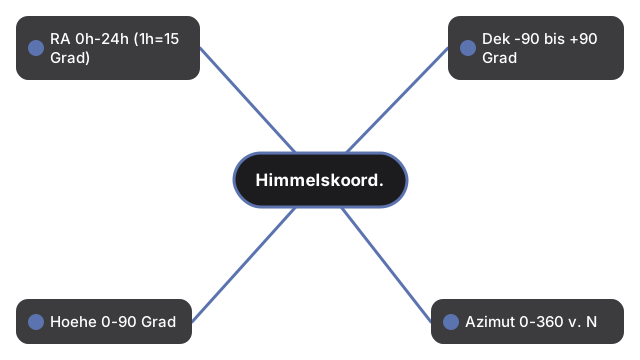
| Koordinate | Bereich |
|---|---|
| Rektaszension (RA) | 0h-24h ostwaerts (1h = 15 Grad) |
| Deklination (Dek) | -90 bis +90 Grad |
| Hoehe (Alt) | 0-90 Grad |
| Azimut (Az) | 0-360 Grad von Norden |
| Ekliptikschiefe | 23,44 Grad (J2000) |
Next: the when guide or vs alternatives. Open the Celestial Coordinate Systems 3D Explorer.