Initializing, please wait a moment
Como explorar Earth-Moon Barycenter 3D Explorer
Open the explorer and watch Earth swing around the point it shares with the Moon.
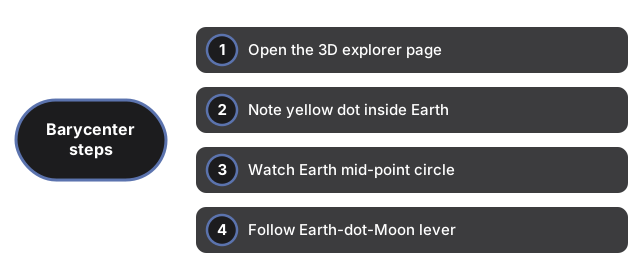
- Open https://freetoolonline.com/space-3d/earth-moon-barycenter.html and wait for Earth, the Moon and the yellow dot.
- Note the yellow barycenter dot sitting inside the see-through Earth.
- Watch Earth centre trace a small circle while the Moon loops the far side.
- Follow the lever line joining Earth, the dot, and the Moon.
- Use the speed slider and read the panel for the 4,671 km and 81 to 1 figures.
Earth-Moon barycenter key figures
| Figure | Value |
|---|---|
| Barycenter distance from Earth center | 4,671 km (inside Earth) |
| Earth : Moon mass ratio | 81 : 1 |
| Mean Moon orbital radius | 384,400 km |
Next: the when guide or vs alternatives. Open the Earth-Moon Barycenter 3D Explorer.