Initializing, please wait a moment
Sauropelta 3D Viewer vs aplikasi AR
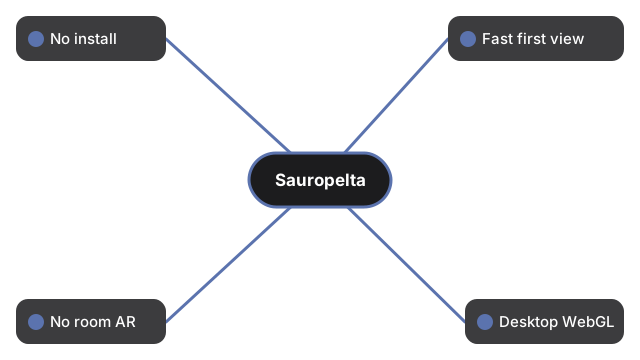
Sauropelta 3D Viewer menjalankan WebGL nodosaurid Kapur Awal di browser tanpa akun dan tanpa AR ruangan - gunakan aplikasi AR ponsel untuk menempatkan di lantai, dan museum untuk tulang nyata.
Opsi berdampingan
| Aspek | Viewer browser | Aplikasi AR | Museum / foto |
|---|---|---|---|
| Install | 0 MB; three.js cache | Sering 50-500 MB | Perjalanan; atau 0 MB foto |
| Waktu ke tampilan pertama | Detik; glTF opsional kemudian | Menit | Jam / instan |
| Tempatkan di ruangan | Tidak | Ya | Aula museum / tidak di foto |
| Desktop tanpa ponsel | Ya WebGL | Biasanya tidak | Foto ya |
| Angka terbit | 5.2-6 m (panel 5.5 m); 1.5 m; 1.5-2 ton (1750 kg); 110-108 Mya Cloverly; Ostrom 1970 | Bervariasi | Bervariasi |
| Kejujuran | Warna artistik; tanpa gada ekor; glTF Printables bergaya | Sering satu siluet tetap | Tulang nyata; warna interpretatif |
Kapan viewer browser cocok
Ketika ingin mengorbit nodosaurid dengan Size vs human 5.5 m tanpa menginstal apa pun.
Kapan AR atau museum lebih cocok
Aplikasi AR untuk lantai ruang; museum untuk mount nyata; foto hanya untuk satu bingkai statis.
Perbandingan ini bukan
Bukan peringkat merek AR, tidak mengarang AR, panjang di luar 5.2-6 m atau gada ekor. Lihat cara melihat 3D dan perbandingan ukuran.
Why trust these tools
- Ten-plus years of web tooling. The freetoolonline editorial team has shipped browser-based utilities since 2015. The goal has never changed: get you to a working output fast, without an install.
- No install, no sign-up. Open a tool and get a working output in seconds - nothing to download and no account to create. Tools that need heavy processing run it on our service, so even a low-powered machine gets the job done.
- Analytics stops at the page view. We measure which pages get visited, not what you type or upload inside a tool. There is nothing to sign in to and no profile is attached to your input.
- Open-source core components. The processing engines underneath (libheif, libde265, pdf-lib, terser, clean-css, ffmpeg.wasm, and others) are public and audit-able. We link to each one in its tool page's footer.
- Free, with or without ads. All tools are fully functional without sign-up. The Disable Ads button in the header is always available if you need a distraction-free run.