Crop Image Online Free - Drag, Preset Ratio, or Exact Pixels
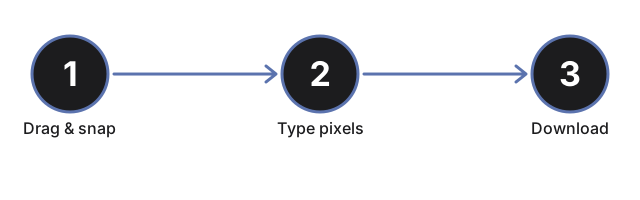
Crop a photo for free in the browser with no account and no upload. Drag the crop box and pull the corners, snap to a ratio preset like 1:1 or 16:9, or type exact X, Y, width, and height for a precise rectangle. The result downloads in its original format.
Last reviewed: 2026-06-30
| Property | Value |
|---|---|
| Format | Online, no install, no sign-up |
| Cost | Free |
| Implementing tool | https://freetoolonline.com/image-tools/crop-image.html |
Because the crop runs inside your browser, the picture is never sent to a server or a third-party processing host, and it does not persist past a page reload. That matters when the source holds a face, an ID document, or anything else that should not leave your device. The output also keeps the input codec: a JPG stays a JPG, a PNG keeps its transparency, and a WebP stays a WebP, so a print-shop spec or a fussy uploader gets the format it expects. To straighten a tilted horizon or fix a sideways phone photo before you crop, the companion guide on how to crop and rotate an image covers the rotation step and the EXIF orientation flag.