MP4 to GIF Online Free: Trim, Resize, and Export an Animated GIF
Turning an MP4 into a GIF means picking a short slice of the clip and re-saving it as an animation that plays anywhere a still image works. The GIF Maker tool does exactly that: upload a clip, trim to a 3 to 10 second window, set the width and frame rate, then download the finished GIF.
Last reviewed: 2026-07-01
| Property | Value |
|---|---|
| Format | Online, no install, no sign-up |
| Cost | Free |
| Implementing tool | https://freetoolonline.com/image-tools/gif-maker.html |
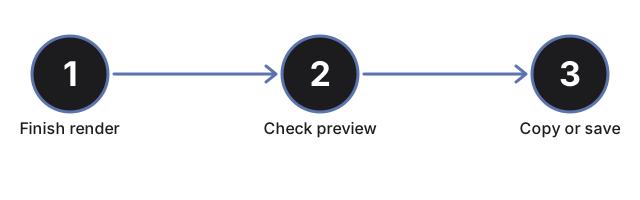
Two settings decide the file size. Width and height inputs sit below the trim sliders; tick AutoW or AutoH and the tool scales the other side proportionally, so a forum preview only needs its target width typed in. The frame-rate slider runs from 1 to 60 fps: lower fps makes a smaller file for chat previews, higher fps keeps motion smooth. Keep the selection near 3 to 10 seconds, since longer clips balloon the GIF and slow previews. Processing runs on the site conversion service over HTTPS, and the finished GIF rotates off the server after the retention window shown on the page, so save your copy before you close the tab. No account, no install, free. Once the GIF finishes processing, a preview renders directly on the page so the trim, the output size, and the frame rate can be checked before saving anything, and a Copy button next to the direct link is often quicker than a download when the GIF is going straight into a chat thread or a forum reply instead of a folder.