Prueba de Camara Frontal
Confirma que tu camara selfie funciona: abre la prueba de camara, haz clic en Start Camera para conceder permiso al navegador y aparece una vista previa en vivo con la resolucion que informa el dispositivo. Si abre en la lente trasera, pulsa Switch para seleccionar la camara frontal.
FreetoolOnline editorial team| Propiedad | Valor |
|---|---|
| Formato | Herramienta en linea, sin instalacion |
| Velocidad | En el navegador; vista previa en vivo en segundos |
| Privacidad | Los fotogramas quedan en el dispositivo, nada se sube |
| Herramienta que la implementa | https://freetoolonline.com/device-test-tools/camera-test.html |
| Resolucion tipica (camara frontal smartphone) | 1920x1080 (Full HD); modelos recientes: 4K a 60 fps |
| Compatibilidad de navegador | Chrome 47+, Firefox 44+, Edge 18+, Safari 11+ |
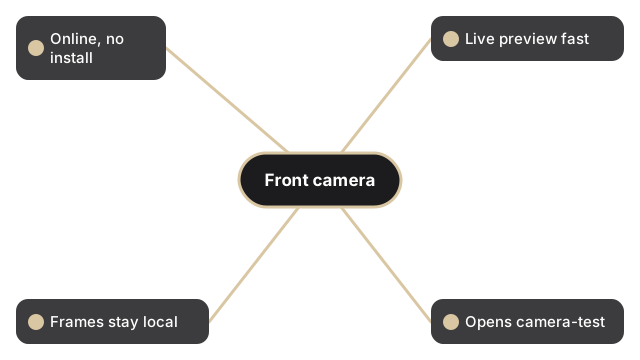
Esta es una comprobacion de permiso, vista previa y captura, no un grabador de video. Despues de que Start Camera concede el acceso, la transmision en vivo se ejecuta dentro de la pestana del navegador y la lectura de resolucion muestra lo que el sistema operativo informa para la lente. Usa Switch para alternar entre las camaras frontal y trasera y asi verificar la lente selfie en concreto. Flip refleja la vista previa y Filters cambian solo la vista en vivo. Cuando la camara frontal se vea bien, pulsa Capture para guardar un unico JPEG que puedes editar con Edit o descargar con Download. Ningun fotograma sale de tu dispositivo.
Para realizar un conjunto completo de verificaciones del dispositivo antes de una sesion de trabajo remoto, consulta la device test checklist for remote work.
Si la camara no abre: camara bloqueada - como permitir. Si aparece pantalla negra: pantalla negra en camara - cuatro soluciones.