Prueba de LED
Prueba de LED en la mayoria de busquedas significa una prueba de pantalla para verificar pixels muertos o atascados. La herramienta correcta es la prueba LCD / OLED / LED en https://freetoolonline.com/device-test-tools/lcd-test.html; pinta 6 colores de borde a borde para que los sub-pixeles defectuosos se destaquen contra un campo uniforme.
FreetoolOnline editorial team| Propiedad | Valor |
|---|---|
| Formato | Herramienta online, sin instalacion |
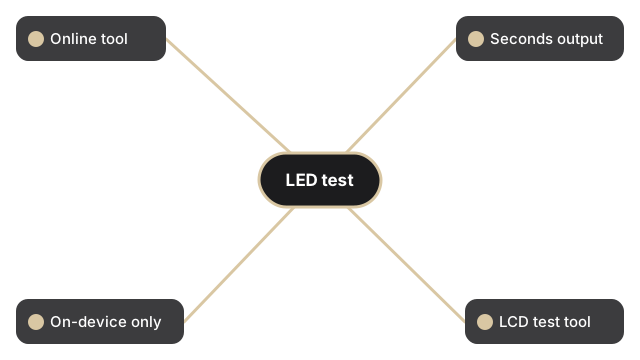
| Velocidad | En el navegador; salida en segundos |
| Privacidad | Los archivos permanecen en el dispositivo (sin subida) |
| Colores de prueba | 6 (rojo, verde, azul, negro, blanco, amarillo) |
| Tipos de panel | LCD, OLED y LED (3 tecnologias) |
| Herramienta de implementacion | https://freetoolonline.com/device-test-tools/lcd-test.html |
La prueba en si es un toque por color. Haz clic en un bloque de color (rojo, verde, azul, negro, blanco o amarillo) y el navegador pinta el color elegido en toda la viewport, con un toggle opcional de pantalla completa en pantallas de 821 pixeles de ancho o mas para que el color pase la chrome del navegador y la barra de direcciones.
Que color usa la prueba LED para cada defecto
Los colores de la prueba LED apuntan a diferentes clases de defecto en el panel LED. Negro revela pixeles atascados en brillo - pixeles atascados a plena luminosidad en un canal aparecen como puntos de color sobre fondo negro. Blanco revela pixeles muertos oscuros y polvo en la superficie del panel. Rojo, verde y azul aíslan fallos de subpixel en su propio canal: un subpixel rojo muerto aparece como una mota cian en un campo rojo. Amarillo estresa tanto los subpixeles rojos como los verdes a la vez, detectando fallos que se escapan en pruebas de un solo canal.
Pruebas relacionadas
Guias de prueba relacionadas para puntos de pantalla tactil e inspeccion de pixeles muertos antes de devolver un monitor:
como probar una pantalla tactil, y como probar pixeles muertos antes de devolver un monitor.