LCD Test for Laptop Screens
Click one of six color buttons - red, green, blue, black, white, or yellow - to fill your laptop screen with that solid color. Look for pixels stuck on the wrong color, darker patches near the edges, or uneven brightness. The page also reports your viewport size and native screen resolution.
freetoolonline.com editorial team| Property | Value |
|---|---|
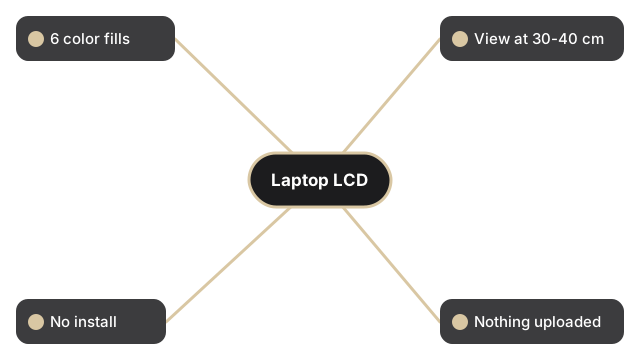
| Colors | 6 full-screen (red, green, blue, black, white, yellow) |
| Recommended distance | 50-70 cm for monitors, 30-40 cm for laptops |
| Install | None - runs in the browser |
| Privacy | Nothing is uploaded; the page only fills the screen |
| Tool | LCD screen test |
Each color exposes a different fault on a laptop panel. Black reveals stuck-bright pixels that never switch off; white reveals dead-dark pixels and surface dust; red, green, and blue each isolate one subpixel channel; yellow stresses the red and green subpixels together. Tick the "Test in full screen mode" box before you pick a color so the browser toolbar does not hide a defect near the top edge. Run through all six colors slowly, and tilt the lid a little to check that brightness stays even across the whole laptop display.
For additional display diagnostics, see LCD test - dead pixel and stuck pixel check for the full six-color sequence that works on any screen type, or LED test vs LCD test - which applies to your screen if you are not sure whether your panel is LCD or LED-backlit.