LCD Screen Test
Run a free in-browser LCD screen test in under a minute. Pick a color tile - red, green, blue, black, white, or yellow - and the page paints that solid fill across the full viewport so a stuck pixel, a dead pixel, or backlight bleed stands out against a uniform field. No install, no account, no upload.
Last reviewed: 2026-06-29
Free Tool Online Editorial Team| Property | Value |
|---|---|
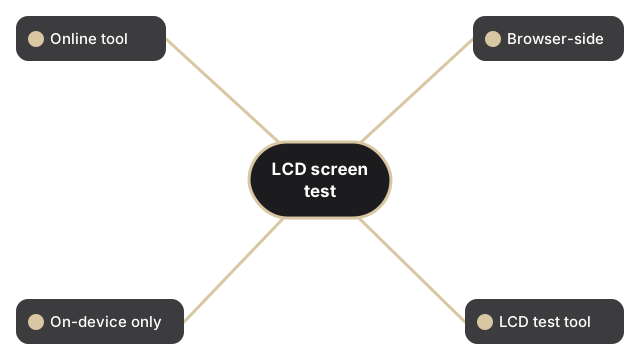
| Format | Online tool, no install |
| Speed | Browser-side; output in seconds |
| Privacy | Files stay on-device |
| Implementing tool | https://freetoolonline.com/device-test-tools/lcd-test.html |
Below the color tiles the page reports three live numbers about your display: the live viewport, the screen resolution the operating system advertises, and the native screen resolution that resolution multiplied by your device pixel ratio. Confirm the native number matches the spec sheet for your laptop or monitor before flagging a suspect dot, because on a hi-DPI panel one CSS pixel sits in front of several physical sub-pixels, and a stuck sub-pixel can hide between them. The readout refreshes on each load, so a fresh check is one reload away.
If you need to determine whether your display is an LED or LCD panel first (the distinction changes which color pattern is most revealing), see LED test vs LCD test - which applies to your screen. The same test is available in Indonesian at tes LCD.