Front Camera Test
Want to confirm your selfie camera works before a call or photo? Open the camera test and click Start Camera to grant browser permission; a live preview appears with the resolution your device reports. If it opens on the back lens, press Switch to select the front camera and watch yourself appear - your front camera passing the test.
Last reviewed: 2026-06-10
| Property | Value |
|---|---|
| Format | Online tool, no install |
| Speed | Browser-side; live preview in seconds |
| Privacy | Frames stay on-device, nothing uploads |
| Implementing tool | https://freetoolonline.com/device-test-tools/camera-test.html |
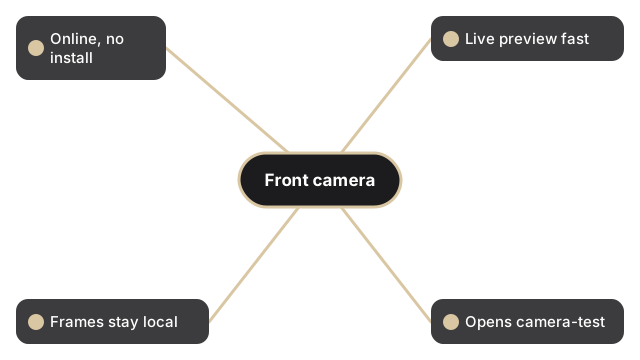
This is a permission, preview, and capture check, not a video recorder. After Start Camera grants access, the live stream runs inside the browser tab and the resolution readout names what the operating system reports for the lens. Use Switch to move between the front and back cameras so you can verify the selfie lens specifically. Flip mirrors the preview, and Filters change only the live view. When the front camera looks right, press Capture to save a single JPEG you can Edit or Download. No frames leave your device.
If the camera does not open, see camera test permission blocked - how to allow it. If a black screen appears instead of the live preview, see camera test shows black screen - four fixes. To run a full set of device checks before a remote work session, see the device test checklist for remote work.
FreetoolOnline Editorial Team| Front camera check | Typical result | What it means |
|---|---|---|
| Live preview resolution | 720p (1280x720) or 1080p (1920x1080) | Camera is active and reporting to the browser |
| Permission grant time | Under 3 seconds on modern browsers | Browser forwarded the request to the OS immediately |
| Switch delay (front to back) | 1-2 seconds | OS releases one device and acquires the other |
| Capture output size | 50-300 KB JPEG depending on resolution | Saved as a single compressed image frame |