Tes LCD untuk Layar Laptop
Klik salah satu dari enam tombol warna - merah, hijau, biru, hitam, putih, atau kuning - untuk memenuhi layar laptop Anda dengan warna solid tersebut. Cari piksel yang macet pada warna yang salah, bercak lebih gelap di dekat tepi, atau kecerahan yang tidak merata. Halaman ini juga melaporkan ukuran viewport dan resolusi asli layar Anda.
freetoolonline.com editorial team| Properti | Nilai |
|---|---|
| Warna | 6 layar penuh (merah, hijau, biru, hitam, putih, kuning) |
| Jarak yang dianjurkan | 50-70 cm untuk monitor, 30-40 cm untuk laptop |
| Instalasi | Tidak ada - berjalan di peramban |
| Privasi | Tidak ada yang diunggah; halaman hanya memenuhi layar |
| Alat | Tes layar LCD |
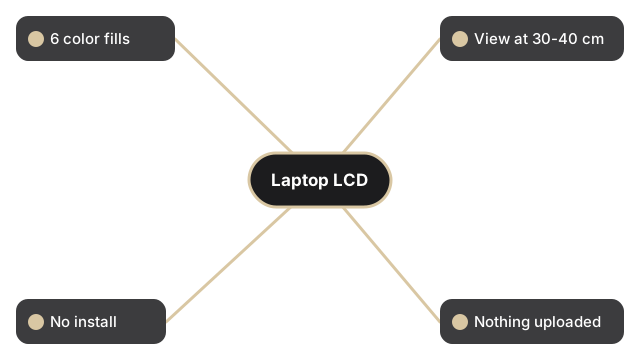
Setiap warna mengungkap cacat yang berbeda pada panel laptop. Hitam mengungkap piksel macet yang menyala dan tidak pernah mati; putih mengungkap piksel mati yang gelap dan debu di permukaan; merah, hijau, dan biru masing-masing mengisolasi satu kanal subpiksel; kuning menekan subpiksel merah dan hijau bersamaan. Centang kotak "Test in full screen mode" sebelum memilih warna agar bilah alat peramban tidak menyembunyikan cacat di dekat tepi atas. Telusuri keenam warna secara perlahan, dan miringkan sedikit penutup layar untuk memeriksa apakah kecerahan tetap merata di seluruh layar laptop.
Untuk diagnostik layar tambahan: LCD test - dead pixel and stuck pixel check untuk urutan tes enam warna pada semua jenis layar, atau LED test vs LCD test - which applies to your screen jika Anda tidak yakin apakah panel Anda LCD atau LED-backlit.