Datei zu ZIP
Eine Datei in den zip-file-Ersteller ziehen und auf Zip klicken, um ein .zip-Archiv in Sekunden zu erhalten. Text und Quellcode werden um 60-80% komprimiert; Fotos und PDFs schrumpfen kaum, da sie bereits kodiert sind. Keine Installation, kein Konto.
Last reviewed: 2026-07-01
FreetoolOnline editorial team| Eigenschaft | Wert |
|---|---|
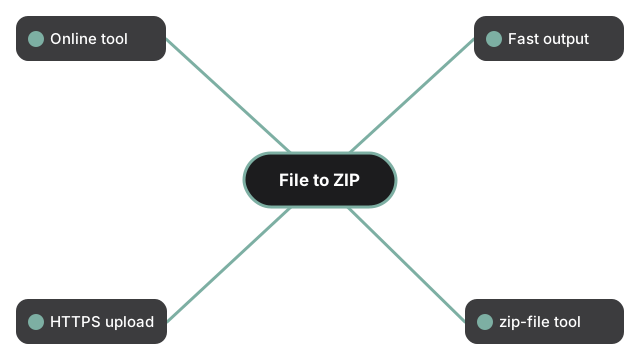
| Format | Online-Tool, keine Installation |
| Geschwindigkeit | Serverseitig; Ergebnis in Sekunden bei Eingaben unter 100 MB |
| Datenschutz | HTTPS-Upload; Arbeitskopien werden innerhalb von 24 h nach der Verarbeitung geloescht |
| Umsetzendes Tool | https://freetoolonline.com/zip-tools/zip-file.html |
Die Wirksamkeit der Komprimierung haengt vom Inhalt der Datei ab. Text, Code, JSON und CSV schrumpfen typischerweise 60-80%; Office-Dokumente 10-25%; PDFs 5-15%; bereits komprimierte Fotos (JPG, PNG, HEIC) nur 0-5% - fuer diese zuerst mit einem Bild-Tool komprimieren und dann zippen. Die Tabelle "Reduce ZIP file size - what to expect" auf der Tool-Seite zeigt die Rechnung fuer gaengige Ziele wie die 25-MB-Grenze fuer E-Mail-Anhaenge. Fuer sensible Inhalte oeffnen Sie das Settings-Feld im Ersteller und vergeben ein Passwort vor dem Zippen - drei Verschluesselungsstufen stehen zur Verfuegung (Standard, AES-128, AES-256). Senden Sie das Passwort ueber einen anderen Kanal als das Archiv. Wer mehrere Dateien statt nur einer in ein Archiv packen möchte, findet die Schritte unter mehrere Dateien in ein ZIP packen.
Was das ZIP-Erstellungswerkzeug tatsächlich macht und wann ZIP wirklich Speicherplatz spart, erklärt ZIP-Datei online erstellen.
Wenn das Ziel eine bestimmte Größengrenze ist und nicht nur das Verpacken, zeigt ZIP-Datei auf 2 MB komprimieren die Einstellungen, die die Zahl wirklich verändern. Wenn die Software des Empfängers wichtiger ist als die Größe, erklärt ZIP vs. ZIPX vs. RAR vs. 7z im Vergleich, welches Format welches Tool erwartet. Wenn die Eingabe ein ganzer Ordner statt einer einzelnen Datei ist, behandelt Ordner zu Zip die ordnerspezifischen Schritte, einschließlich wie die Unterordner-Struktur im Archiv erhalten bleibt.