Online Diff Tool
An online diff tool highlights added, removed, and changed lines between two text blocks. Paste the old version on the left and the new version on the right - each changed line is labeled instantly, no install needed.
freetoolonline.com Editorial Team| Property | Value |
|---|---|
| Format | Online tool, no install |
| Speed | Browser-side; diff in under 1 s for inputs under 5,000 lines |
| Privacy | Pasted text processed locally; 0 bytes sent to any server |
| Implementing tool | https://freetoolonline.com/developer-tools/text-diff.html |
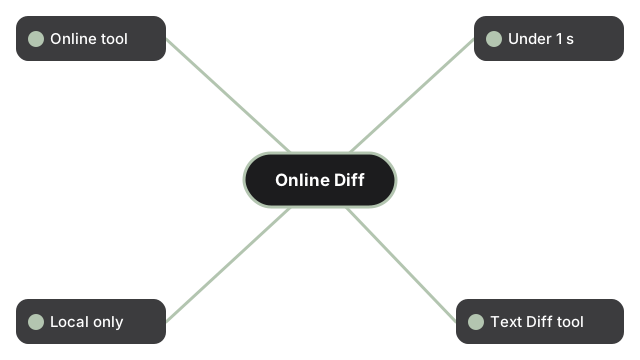
The in-browser diff tool at https://freetoolonline.com/developer-tools/text-diff.html is the one to open when the comparison is two text blocks - config files, JSON dumps, source-code revisions, prose drafts, log file slices. It does the work locally inside the browser tab; pasted text is not uploaded to a remote server, and the page does not retain the two inputs once the tab is closed. No account, no install, no subscription. For more advanced comparisons (line-level vs word-level vs character-level vs git-style merge views) the sibling guide at https://freetoolonline.com/guides/en/text-diff-vs-line-diff-vs-word-diff-vs-git-diff.html walks through which mode reads cleanest for which input shape.