File ke ZIP
Jatuhkan file ke pembuat zip-file dan klik Zip untuk mendapatkan arsip .zip dalam hitungan detik. Teks dan kode sumber terkompresi 60-80%; foto dan PDF hampir tidak mengecil karena sudah dikodekan. Tanpa instalasi, tanpa akun.
Last reviewed: 2026-07-01
FreetoolOnline editorial team| Properti | Nilai |
|---|---|
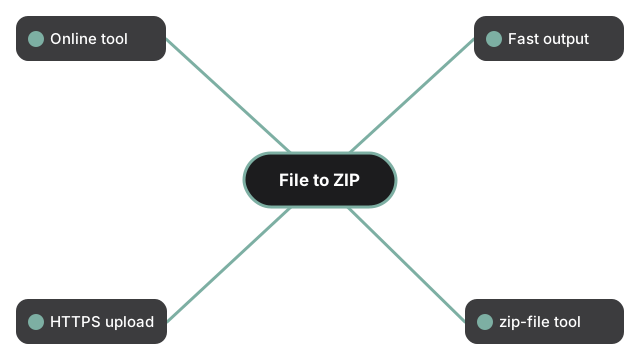
| Format | Alat online, tanpa instalasi |
| Kecepatan | Di server; hasil dalam hitungan detik untuk masukan di bawah 100 MB |
| Privasi | Unggah lewat HTTPS; salinan kerja dihapus dalam 24 jam setelah pemrosesan |
| Alat yang menjalankan | https://freetoolonline.com/zip-tools/zip-file.html |
Efektivitas kompresi tergantung pada isi file. Masukan teks, kode, JSON, dan CSV biasanya menyusut 60-80%; dokumen Office 10-25%; PDF 5-15%; foto yang sudah dikompres (JPG, PNG, HEIC) hanya 0-5% - untuk itu, kompres dulu dengan alat gambar lalu zip. Tabel "Reduce ZIP file size - what to expect" di halaman alat menunjukkan hitungan untuk mencapai target umum seperti batas lampiran email 25 MB. Untuk konten sensitif, buka panel Settings di pembuat dan tambahkan kata sandi sebelum mengompres - tersedia tiga tingkat enkripsi (Standard, AES-128, AES-256). Kirim kata sandi lewat saluran yang berbeda dari arsipnya. Untuk menggabungkan beberapa file menjadi satu ZIP, bukan hanya satu, lihat cara zip beberapa file jadi satu.
Jika tujuannya adalah batas ukuran tertentu, bukan sekadar membungkus, kompres file ZIP ke 2 MB menunjukkan setelan yang benar-benar mengubah angkanya. Jika perangkat lunak penerima lebih penting daripada ukuran, perbandingan ZIP vs ZIPX vs RAR vs 7z menjelaskan format apa yang diharapkan setiap alat. Jika input berupa folder utuh, bukan satu file, Folder ke Zip membahas langkah khusus folder, termasuk bagaimana tata letak subfolder tetap terjaga di dalam arsip.