File to ZIP
Drop a file into the zip-file creator and click Zip to get a .zip archive in seconds. Text and source code compress 60-80%; photos and PDFs barely shrink because they are already encoded. No install, no account.
| Property | Value |
|---|---|
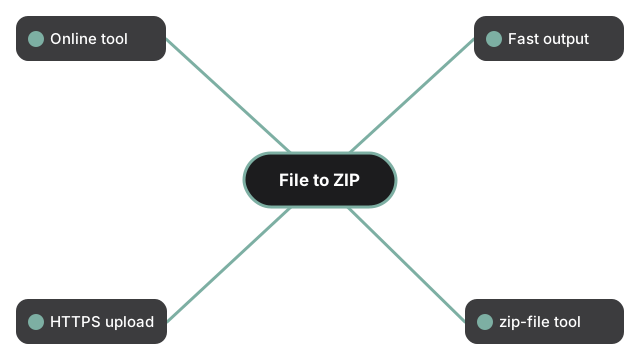
| Format | Online tool, no install |
| Speed | Server-side; output in seconds for inputs under 100 MB |
| Privacy | HTTPS upload; working copies deleted within 24 h of processing |
| Implementing tool | https://freetoolonline.com/zip-tools/zip-file.html |
Compression effectiveness depends on what is inside the file. Text, code, JSON, and CSV inputs typically shrink 60-80%; Office documents 10-25%; PDFs 5-15%; already-compressed photos (JPG, PNG, HEIC) only 0-5% - for those, compress with an image tool first, then zip. The "Reduce ZIP file size - what to expect" table on the tool page shows the math for hitting common targets like the 25 MB email attachment cap. For sensitive content, open the Settings panel on the creator and add a password before zipping - three encryption strengths are available (Standard, AES-128, AES-256). Send the password through a different channel than the archive itself. Combining several files into one archive instead of just one works the same way; see zip multiple files into one for the file-selection and naming steps.
When the goal is a specific size cap rather than just packaging, compress a ZIP file to 2 MB covers the settings that actually move the number. When the recipient's software matters more than the size, ZIP vs ZIPX vs RAR vs 7z compared explains which format each tool expects. For an overview of which destination to pick for building, opening, or shrinking a zip, see online zip tool overview. When the input is a whole folder rather than one file, Folder to ZIP covers the folder-specific steps, including how the sub-folder layout survives the archive.
Zip a file without uploading it
The steps above use the upload mode - the file travels over HTTPS to the server, gets zipped there, and comes back as a download link. The zip-file creator also has a second, separate "Zip in your browser" panel that skips the upload entirely: pick the file (or a folder), choose a compression level from 0 (fastest, no compression) to 9 (smallest, slowest), and the archive is built on your own device. A progress bar tracks the build in real time, and when it finishes the panel reports how much smaller the output is than the original. Turning on "Keep folder structure" preserves each file's relative path inside the archive, the same as the upload mode does. The one thing the in-browser panel cannot do is add a password - Standard, AES-128, and AES-256 encryption are upload-mode-only, so switch to the panel above when the archive needs to be protected.
Frequently Asked Questions
Can I zip a file without uploading it?
Yes. The "Zip in your browser" panel on the zip-file creator builds the archive entirely on your device with no upload, and shows a size readout once it finishes. Use the upload panel instead when you need password protection.
Can I set how much the in-browser zip compresses?
Yes. The in-browser panel has a compression-level control from 0 to 9. Level 0 stores the file with no compression and finishes fastest; level 9 squeezes the most out of it but takes longer.
Does the in-browser mode keep my folder structure?
Yes, when "Keep folder structure" is turned on. Each file's relative path inside the folder you picked is preserved inside the resulting archive, matching how the upload mode handles folders.
Can I password-protect a ZIP built in the browser?
No. The in-browser panel produces a standard, unencrypted archive. Standard, AES-128, and AES-256 password protection are available only in the upload mode above, where the server builds the archive.
Where do my files go when I use the upload mode?
They travel over HTTPS to a short-lived processing service that builds the archive and hands back a download link. The working copy is removed from the server after a short retention window rather than kept indefinitely.