How to Play Cyber Neon Maze - Step by Step
The Cyber Neon Maze page loads a ~650 KB first-person WebGL maze in an iframe. Procedural neon corridors, orb pickups, and sweeping laser traps - all session-only with zero saves.
Step 1 - launch
Click Play on the game page to load the iframe. Inside the overlay, read the control hints, then press INITIATE RUN. Your browser will ask for pointer lock - accept it to enable mouse-look.
Step 2 - movement and stamina
WASD walks forward/back/strafe. Hold Shift to sprint while the green stamina bar has charge; release when empty. Ctrl crouches under low laser sweeps. Space jumps short gaps.
Step 3 - objectives
The HUD shows orb count, timer, health, stamina, and a compass strip. Touch every glowing orb, then navigate to the exit portal. Lasers drain health on contact; death shows CRITICAL FAILURE with a reboot button.
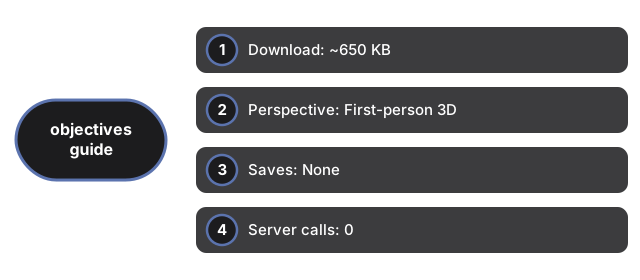
| Setting | Value | Notes |
|---|---|---|
| Download | ~650 KB | index.html + vendored three.js |
| Perspective | First-person 3D | WebGL + pointer lock |
| Saves | None | Session-only |
| Server calls | 0 | No fetch/XHR |
See when to play and vs other maze games. Also Marble Maze.
Why trust these tools
- Ten-plus years of web tooling. The freetoolonline editorial team has shipped browser-based utilities since 2015. The goal has never changed: get you to a working output fast, without an install.
- No install, no sign-up. Open a tool and get a working output in seconds - nothing to download and no account to create. Tools that need heavy processing run it on our service, so even a low-powered machine gets the job done.
- Analytics stops at the page view. We measure which pages get visited, not what you type or upload inside a tool. There is nothing to sign in to and no profile is attached to your input.
- Open-source core components. The processing engines underneath (libheif, libde265, pdf-lib, terser, clean-css, ffmpeg.wasm, and others) are public and audit-able. We link to each one in its tool page's footer.
- Free, with or without ads. All tools are fully functional without sign-up. The Disable Ads button in the header is always available if you need a distraction-free run.