How to Play Level 13 - Step by Step
The Level 13 page loads a ~8 MB text-based survival incremental in an iframe. Explore a ruined underground City sector by sector, scavenge resources, build a camp, and unlock a tech tree - everything is click-driven. Press Play to start.
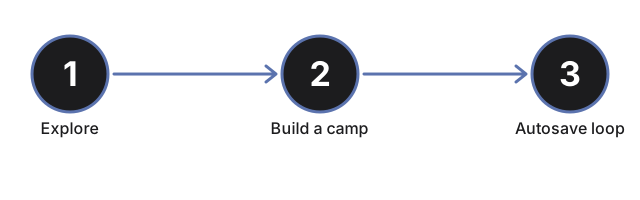
Step 1 - press Play on this page
Press Play to inject the iframe (~8 MB: engine, audio, and images, downloaded once and cached). Level 13 is an open-source Apache-2.0 game by nroutasuo; its own in-app credits and changelog ship unchanged.
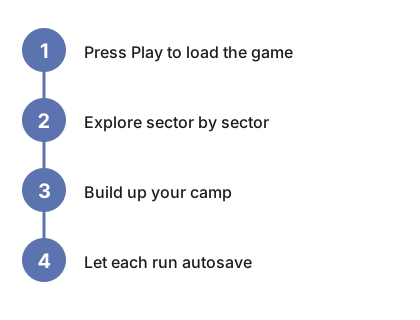
Step 2 - explore sector by sector
Each new game generates a unique underground map from a random seed. Click your way from sector to sector, scavenging resources while radiation, hostile scouts, hunger, and cold work against you.
Step 3 - build up your camp
Spend scavenged resources on camp buildings - workshops, greenhouses, hospitals - as you find the blueprints that unlock them. The tech tree compounds the longer a single run goes.
Step 4 - let it autosave
Progress autosaves in this browser roughly every 2 minutes, and a manual save option is also available. Multiple save slots let you keep more than one run going side by side.
Step 5 - come back later
There is no account and no server - the save lives only in this browser's site data, so clearing it erases the run. Close the tab any time; your last autosave picks up where you left off.
| Setting | Value | Notes |
|---|---|---|
| Download | ~8 MB | Same-origin iframe; cached after first load |
| Input | Click/tap only | No keyboard shortcuts, no gamepad |
| World | Seed-based, procedurally generated | A new seed each new game |
| Saves | Autosave ~every 2 min + manual save | Multiple slots; stored only in this browser |
| Network | None after first load | Upstream visitor counter and error tracker removed for this hosting |
See when to play, comparisons, and Space Huggers.
Why trust these tools
- Ten-plus years of web tooling. The freetoolonline editorial team has shipped browser-based utilities since 2015. The goal has never changed: get you to a working output fast, without an install.
- No install, no sign-up. Open a tool and get a working output in seconds - nothing to download and no account to create. Tools that need heavy processing run it on our service, so even a low-powered machine gets the job done.
- Analytics stops at the page view. We measure which pages get visited, not what you type or upload inside a tool. There is nothing to sign in to and no profile is attached to your input.
- Open-source core components. The processing engines underneath (libheif, libde265, pdf-lib, terser, clean-css, ffmpeg.wasm, and others) are public and audit-able. We link to each one in its tool page's footer.
- Free, with or without ads. All tools are fully functional without sign-up. The Disable Ads button in the header is always available if you need a distraction-free run.