When to Use Pulsar Timing Array 3D Explorer - Best Sessions and Limits
Open the Pulsar Timing Array 3D Explorer when you need to see how the angular separation between two pulsars predicts the correlation their timing wobbles should share if a gravitational-wave background is passing through.
A gravitational-wave-background lesson
A lesson starts when you sweep the separation slider and watch the live-computed correlation rise from 0.5 near zero separation, dip negative for pairs roughly 50 to 100 degrees apart, and climb back to 0.25 at 180 degrees - the exact shape NANOGrav and its partner arrays compared their real 2023 data against.
When a timing-array session is the wrong tool
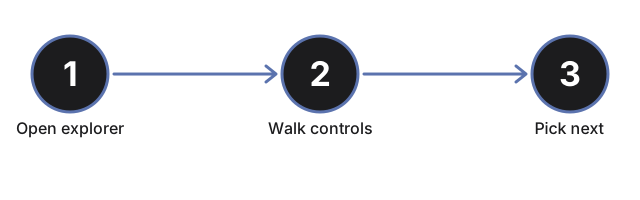
The Hellings-Downs correlation curve is the whole point here, so skip this explorer for two nearby topics. If you want a single pulsar's own spin and beam mechanism rather than nanohertz correlations across a pulsar array, open the Neutron Star Pulsar Explorer instead. If you want LIGO's kilohertz gravitational-wave chirp from a merging black-hole binary rather than the slow, decade-long background this array senses, open the Gravitational Waves Explorer. When the timing array is what you came for, walk its controls in the step-by-step guide.
Why trust these tools
- Ten-plus years of web tooling. The freetoolonline editorial team has shipped browser-based utilities since 2015. The goal has never changed: get you to a working output fast, without an install.
- No install, no sign-up. Open a tool and get a working output in seconds - nothing to download and no account to create. Tools that need heavy processing run it on our service, so even a low-powered machine gets the job done.
- Analytics stops at the page view. We measure which pages get visited, not what you type or upload inside a tool. There is nothing to sign in to and no profile is attached to your input.
- Open-source core components. The processing engines underneath (libheif, libde265, pdf-lib, terser, clean-css, ffmpeg.wasm, and others) are public and audit-able. We link to each one in its tool page's footer.
- Free, with or without ads. All tools are fully functional without sign-up. The Disable Ads button in the header is always available if you need a distraction-free run.