When to Use the Local Bubble Interstellar Cavity 3D Explorer
Open the Local Bubble Interstellar Cavity 3D Explorer when you want a fast, real-figures answer to what the Local Bubble is, how it formed around the Sun, and which nearby star-forming regions genuinely sit on its surface.
Sessions this explorer fits
Students and teachers explaining why the Sun sits inside a roughly 1,000-light-year-wide cavity carved out by past supernovae, readers curious whether famous nearby regions like Orion or Perseus are actually part of the Local Bubble, and anyone who wants the real published figures for the bubble's size, age, and interior gas density all get a direct answer here.
When the Local Bubble cavity explorer is not the right page
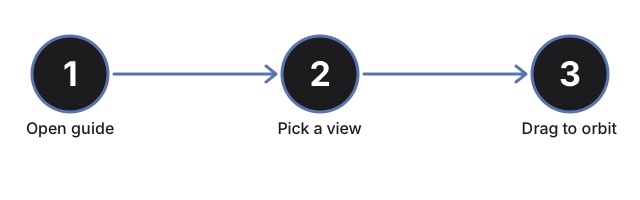
This page is the wrong fit when your real question is about the Sun's much larger, galaxy-wide journey around the Milky Way's center rather than the Local Bubble cavity itself - that orbital motion lives on the Galactic Year - Sun's Orbit 3D Explorer, whose neighborhood spans roughly 26,000 times the width of the roughly 1,000-light-year interstellar cavity shown here. Skip this explorer too if you only need button-by-button control instructions instead of the cavity's real published size, age, and interior gas density figures; the step-by-step guide walks through the controls for orbiting, zooming, and reading off those numbers.
Why trust these tools
- Ten-plus years of web tooling. The freetoolonline editorial team has shipped browser-based utilities since 2015. The goal has never changed: get you to a working output fast, without an install.
- No install, no sign-up. Open a tool and get a working output in seconds - nothing to download and no account to create. Tools that need heavy processing run it on our service, so even a low-powered machine gets the job done.
- Analytics stops at the page view. We measure which pages get visited, not what you type or upload inside a tool. There is nothing to sign in to and no profile is attached to your input.
- Open-source core components. The processing engines underneath (libheif, libde265, pdf-lib, terser, clean-css, ffmpeg.wasm, and others) are public and audit-able. We link to each one in its tool page's footer.
- Free, with or without ads. All tools are fully functional without sign-up. The Disable Ads button in the header is always available if you need a distraction-free run.